Generate Current Page Link
The action creates a link to the page that the user is on, with the page's current parameter values. It returns the link in the action output Current Page Link, which you can pass to the Share action.
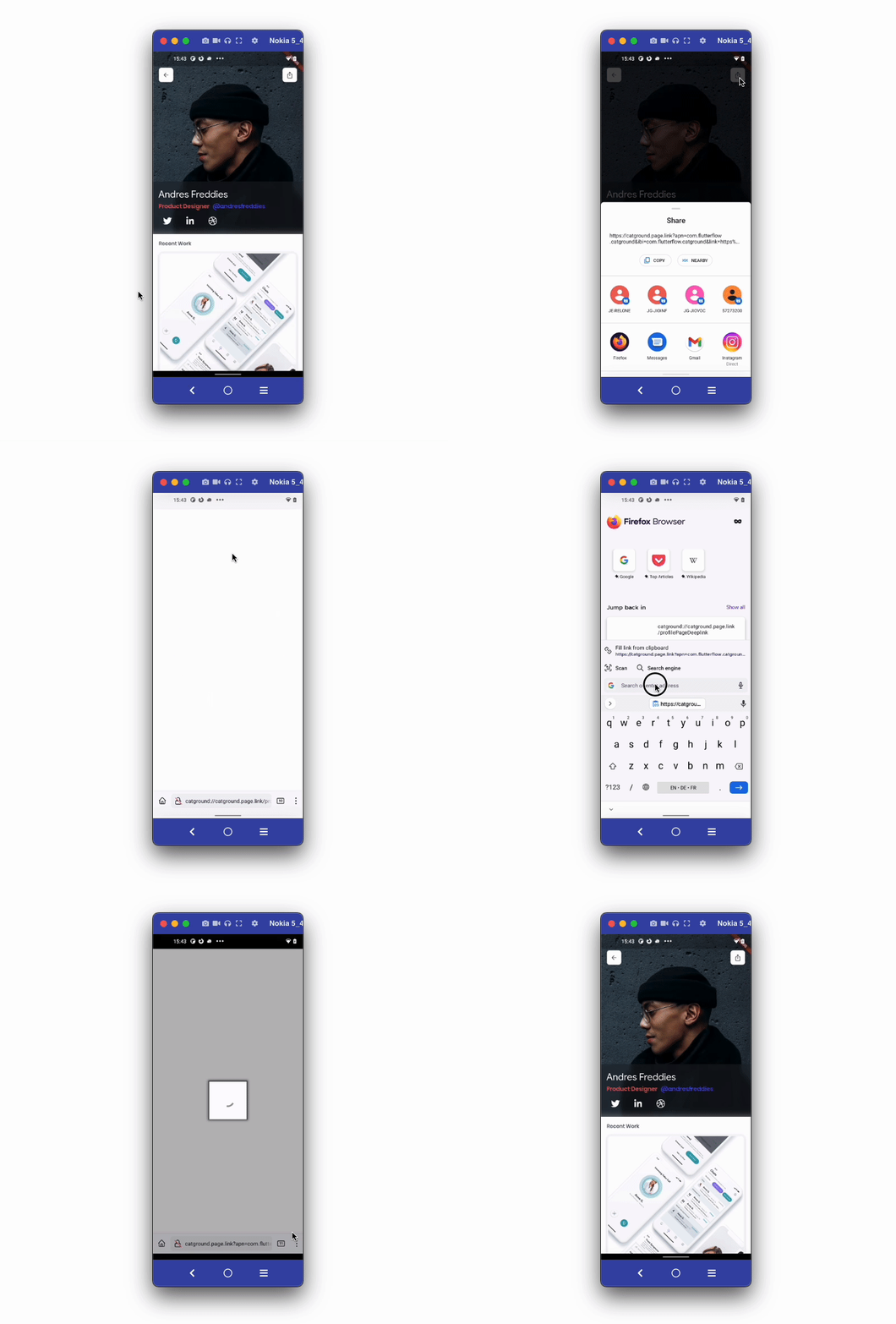
To create short links with link previews and store redirects, first perform all the steps to set up FlutterFlow Dynamic Links. Without FlutterFlow Dynamic Links, the action can return only an ordinary app deep link.
Adding Generate Current Page Link action
Go to your project page on FlutterFlow and follow the steps below to define the Action to any widget.
-
Select the Widget (e.g. share button) on which you want to define the action.
-
Select Actions from the Properties Panel (the right menu), and click Open. This will open an Action flow Editor in a new popup window.
- Click on the + Add Action.
- On the right side, search and select the Generate Current Page Link action and click Close.
The action has the following options:
- Link Preview Properties: the Title, Preview Image, and Description that chat and social apps show for the link, and a Name that labels the link on the Links tab.
- Skip Preview Page: under iOS Settings, sends people who open the link in a browser on iOS straight to the App Store, without the preview page first. Leave it off so that people who open the link in apps such as Instagram or Facebook can still tap Open in app. For more information, see FlutterFlow Dynamic Links.
- Campaign (optional): the Source, Medium, Campaign Name, Term, and Content values that the Analytics tab groups traffic by. You can set each one from a variable.
FlutterFlow Dynamic Links are always short, so the action doesn't show the Generate Short Link option.
Use the action without FlutterFlow Dynamic Links
Firebase Dynamic Links has been retired, and a saved Use Firebase Dynamic Links setting no longer turns the service on. If FlutterFlow Dynamic Links isn't configured for your project, the action shows a Generate Short Link switch and a warning in the action's properties.
- Generate Short Link off: the action returns an ordinary app deep link. The link is built from your app's URL scheme and host, and keeps the page's route, query parameters, and fragment. It has no link previews and no store redirects. The project shows a warning that explains this, but the app builds.
- Generate Short Link on: the action can't generate a link. The project shows an error until you either turn the switch off or configure FlutterFlow Dynamic Links in App Settings > Dynamic Links.
If you configure FlutterFlow Dynamic Links later, the action creates short links and the Generate Short Link switch no longer appears. To move a project over, see Move from Firebase Dynamic Links.